11 Easy Steps to Boost Your Google Maps Ranking
When it comes to local search, Google Maps is an invaluable tool for businesses looking to attract nearby customers. Having a strong presence on Google Maps can drive more foot traffic, increase online visibility, and ultimately, boost sales. But how can you ensure your business stands out in the crowded local search results? Follow these 11 easy steps to enhance your Google Maps ranking and get noticed by more potential customers. For more specialized help with local SEO, check out the services offered by Bolt Group Marketing.
1. Claim and Verify Your Google Business Profile
Before you can optimize your Google Maps listing, you need to claim and verify your Google Business Profile. This profile, previously known as Google My Business (GMB), is essential for appearing on Google Maps and local search results.
Steps to Claim and Verify:
- Go to Google Business Profile.
- Click "Manage now" and sign in with your Google account.
- Enter your business name and address.
- Follow the prompts to verify your business. This may involve receiving a verification code via mail or phone.
Why It Matters:
- Verification ensures that only you can make changes to your listing.
- It improves your credibility and trustworthiness in Google's eyes.
2. Complete Your Business Information
Having complete and accurate business information is crucial for ranking well on Google Maps. This includes your business name, address, phone number, and website.
Essential Details to Include:
- Business Name: Use your official business name as it appears on your signage.
- Address: Ensure it is the exact address where your business is located.
- Phone Number: Include a local phone number rather than a toll-free number.
- Website: Add a link to your website to direct customers to more information.
Benefits of Complete Information:
- Helps Google understand your business better.
- Improves your chances of appearing in local search results.
3. Optimize Your Business Description
Your business description is your chance to tell potential customers what you’re all about. Craft a compelling and keyword-rich description that highlights your services and unique selling points.
Tips for an Effective Description:
- Be Concise: Keep your description within 750 characters.
- Include Keywords: Use relevant keywords that customers might search for.
- Highlight Unique Points: Mention what sets your business apart.
Impact on Ranking:
- A well-written description can improve your visibility in relevant searches.
- Helps attract customers by clearly conveying your value proposition.
4. Choose the Right Categories
Google allows you to select primary and secondary categories for your business. Choosing the right categories ensures that your business appears in relevant searches.
How to Select Categories:
- Primary Category: Choose the category that best represents your core business (e.g., "Pizza Restaurant" for a pizza place).
- Secondary Categories: Add additional categories that apply to your business (e.g., "Italian Restaurant," "Takeout Restaurant").
Why It’s Important:
- Proper categorization helps Google show your business to the right audience.
- Increases your chances of appearing in local searches for related services.
5. Add High-Quality Photos
Visual content plays a significant role in attracting customers. Uploading high-quality photos to your Google Business Profile can make your listing more appealing and informative.
Types of Photos to Include:
- Business Exterior and Interior: Show what your business looks like from the outside and inside.
- Products and Services: Highlight your products or services.
- Team Photos: Introduce your staff to personalize your business.
Advantages of Quality Photos:
- Engages potential customers.
- Provides a better understanding of what to expect when visiting your business.
6. Encourage and Manage Customer Reviews
Customer reviews are a critical factor in local search rankings and customer decision-making. Encourage satisfied customers to leave positive reviews and respond to them professionally.
Steps for Managing Reviews:
- Request Reviews: Ask happy customers to leave a review on your Google Business Profile.
- Respond to Reviews: Reply to both positive and negative reviews in a professional and timely manner.
- Monitor Feedback: Keep an eye on reviews to address any issues promptly.
Benefits of Reviews:
- Improves your business’s reputation and trustworthiness.
- Positive reviews can boost your ranking and attract more customers.
7. Use Local Keywords
Incorporate local keywords into your business description, posts, and other content on your Google Business Profile. This helps Google understand your location and relevance to local searches.
How to Find Local Keywords:
- Research: Use tools like Google Keyword Planner or Uber suggest to find relevant local keywords.
- Analyze Competitors: Look at what keywords your competitors are using.
- Localize Content: Include keywords related to your city or neighborhood (e.g., “best pizza in [City]”).
Impact on SEO:
- Enhances your visibility for location-based searches.
- Helps you attract local customers who are searching for businesses like yours.
8. Post Regular Updates
Google allows you to post updates to your Google Business Profile, similar to social media posts. Regular updates can keep your listing fresh and engaging.
Types of Updates to Post:
- Special Offers: Share promotions or discounts.
- Events: Announce upcoming events or sales.
- News: Provide updates about your business or industry.
Advantages of Posting Updates:
- Keeps your audience informed and engaged.
- Signals to Google that your business is active and relevant.
9. Ensure NAP Consistency
NAP stands for Name, Address, and Phone number. Consistency across all online listings and directories is crucial for local SEO.
How to Maintain NAP Consistency:
- Check Listings: Ensure your NAP information is consistent across all online directories and listings.
- Update Incorrect Information: Correct any discrepancies promptly.
- Use Schema Markup: Implement structured data on your website to help search engines understand your business information.
Why NAP Consistency Matters:
- Improves your business’s credibility and search ranking.
- Helps prevent confusion among potential customers.
10. Optimize Your Website for Local SEO
Your website plays a significant role in your Google Maps ranking. Make sure your site is optimized for local SEO to support your Google Business Profile.
Key Website Optimization Tips:
- Local Keywords: Include local keywords in your website content and meta tags.
- Mobile-Friendly Design: Ensure your site is responsive and mobile-friendly.
- Local Content: Create content relevant to your local area (e.g., blog posts about local events).
Benefits of Website Optimization:
- Enhances your overall local SEO efforts.
- Provides a better user experience for visitors.
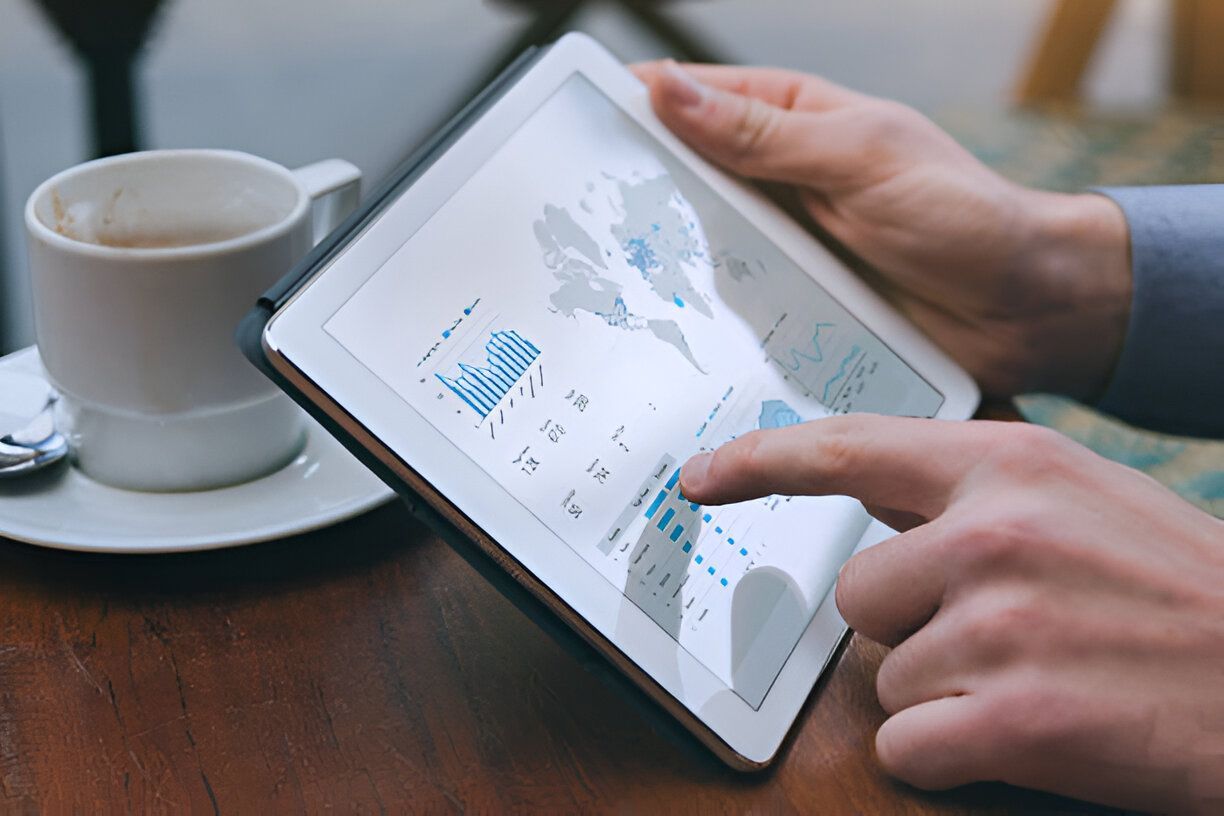
11. Monitor and Analyze Performance
Regularly monitoring and analyzing your Google Maps performance helps you understand what’s working and where improvements are needed.
Tools for Monitoring Performance:
- Google Business Profile Insights: Access data on how customers find and interact with your listing.
- Google Analytics: Track website traffic and user behavior.
- Review Monitoring Tools: Use tools to manage and analyze customer reviews.
Why Monitoring is Important:
- Allows you to make data-driven decisions.
- Helps you identify trends and adjust your strategy for better results.
Conclusion
Boosting your Google Maps ranking involves a combination of optimizing your Google Business Profile, managing your online presence, and continually monitoring performance. By following these 11 easy steps, you can enhance your local visibility and attract more customers to your business. For more personalized assistance with local SEO and to get the most out of your Google Maps listing, visit Bolt Group Marketing. Their expert services can help you implement these strategies effectively and achieve your local marketing goals.